Onboard me
1.1Install your harness — Claude Code· Cowork· Codex (ChatGPT)
1.2Copy the onboarding prompt
2 · Working with LLMs 3 · The Knowledge Base
The KB at kb.life-labs.dev is the company's shared context. Here are the
ways to access and add to it.
3.1Use the prompt to build an interactive guide
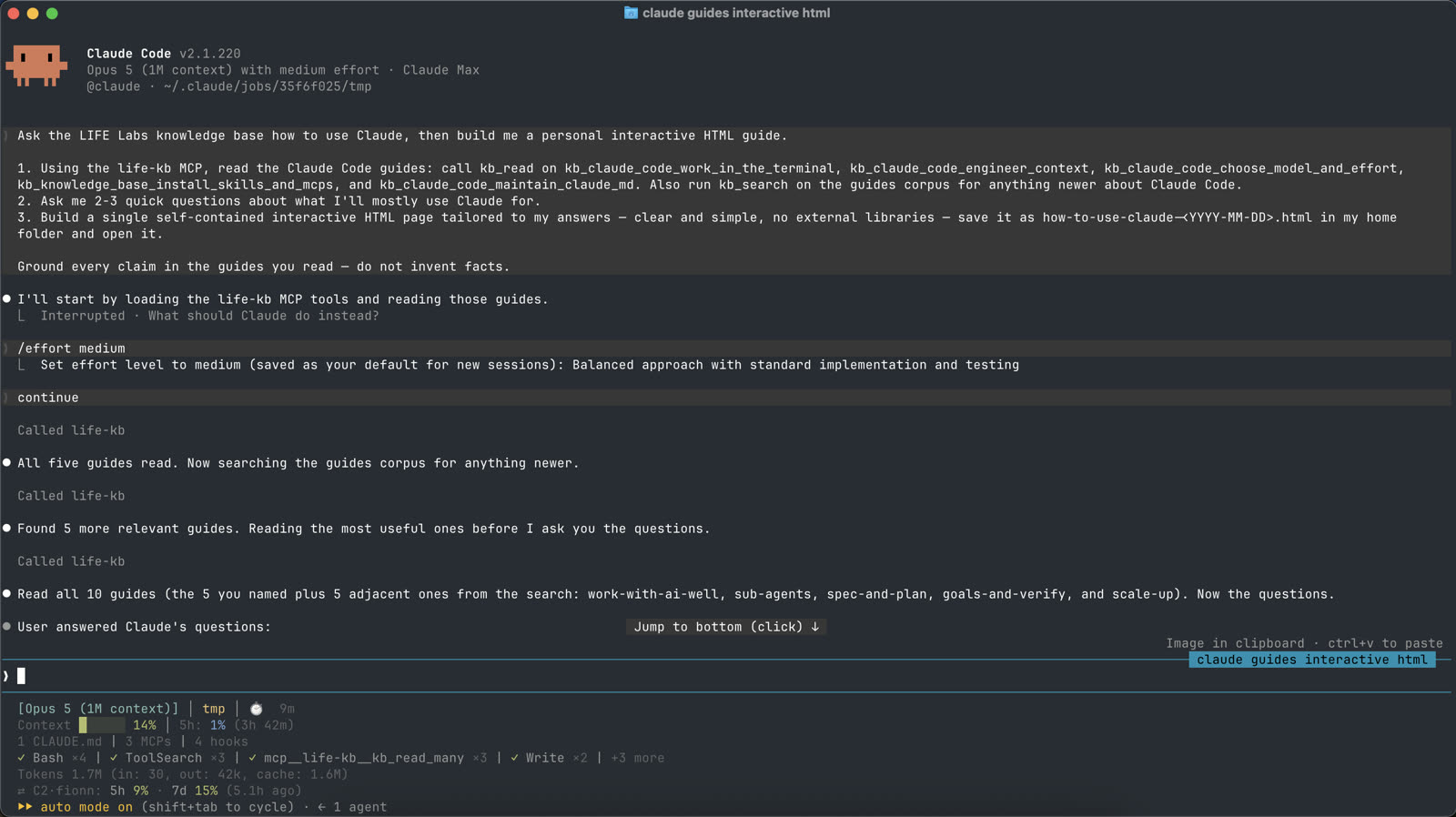
Ask the KB anything, including making you a guide!
Copy the prompt below and try it yourself.
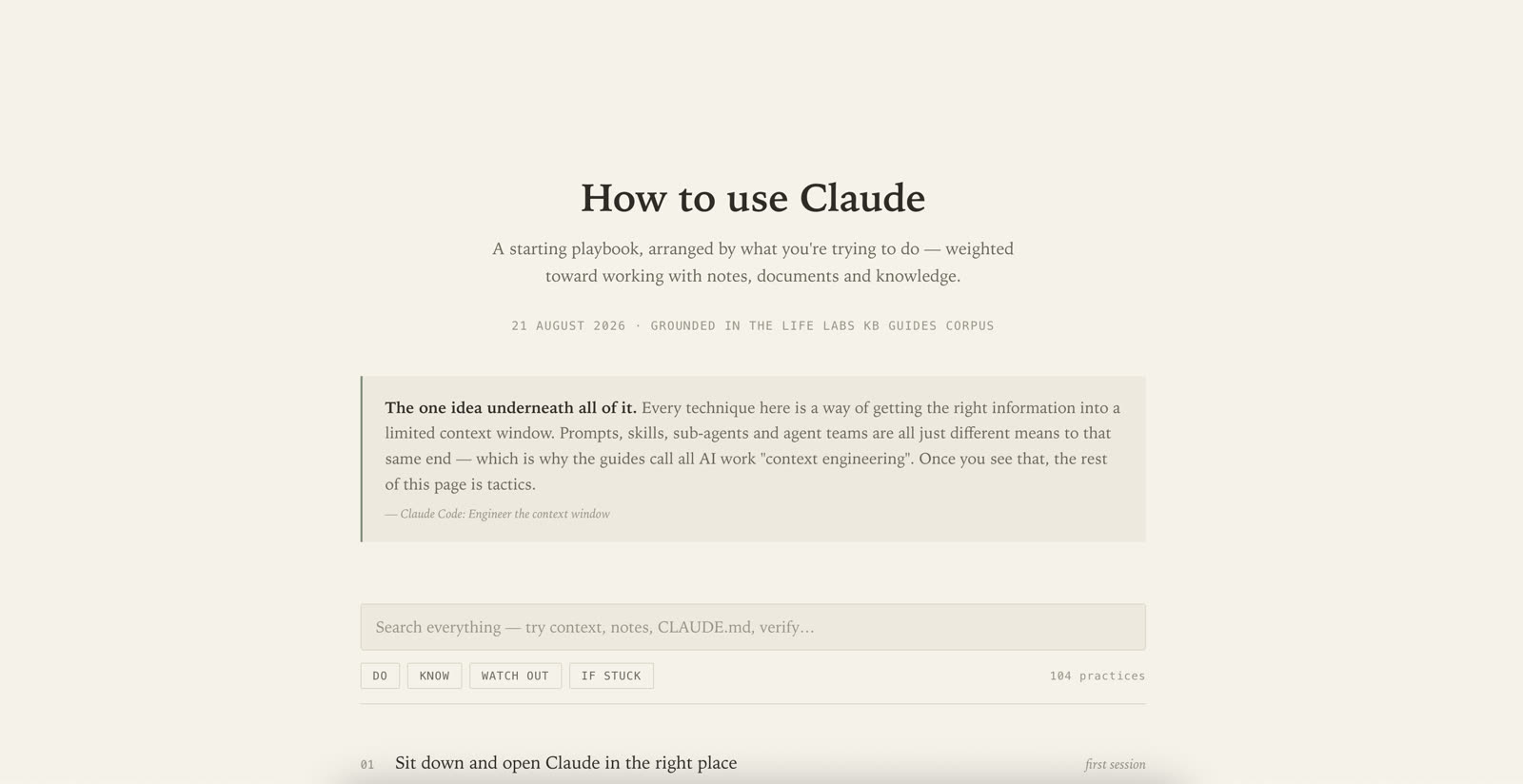
Example result
An interactive guide, grounded in the KB, tailored to your answers.
3.2Adding information to the knowledge base
hub-dragdrop.gif into onboard/media/drive-inbox.gif into onboard/media/Your Agent with the /ingest-to-kb skill
Upload things interactively with your agent
life-bot-chat.gif into onboard/media/Chat with it in slack
@LIFE-bot in a channel, or DM it. Ask it anything about our company context, research, benchmark data etc.
knowledge-eater.gif into onboard/media/Feed the KB in slack
Post a top-level message in #knowledge-eater it gets sent to knowledge-base.
transcriber.gif into onboard/media/Record → transcribe → KB (if you want)
Record locally, drop the file on the Transcribe. You can then choose to upload it to the KB, or just save it locally.
Open the Transcriber